The Brief: October 2026
This month's releases put Runtime agents inside Microsoft Teams and Microsoft 365, and give everyone a calmer dashboard with Ask Runtime one shortcut away.
by Runtime Team · October 2026
Work with agents where your team already works
For many operations teams, the conversation and the documents already live in Microsoft 365. Now your agents do too.
Runtime agents in Microsoft Teams
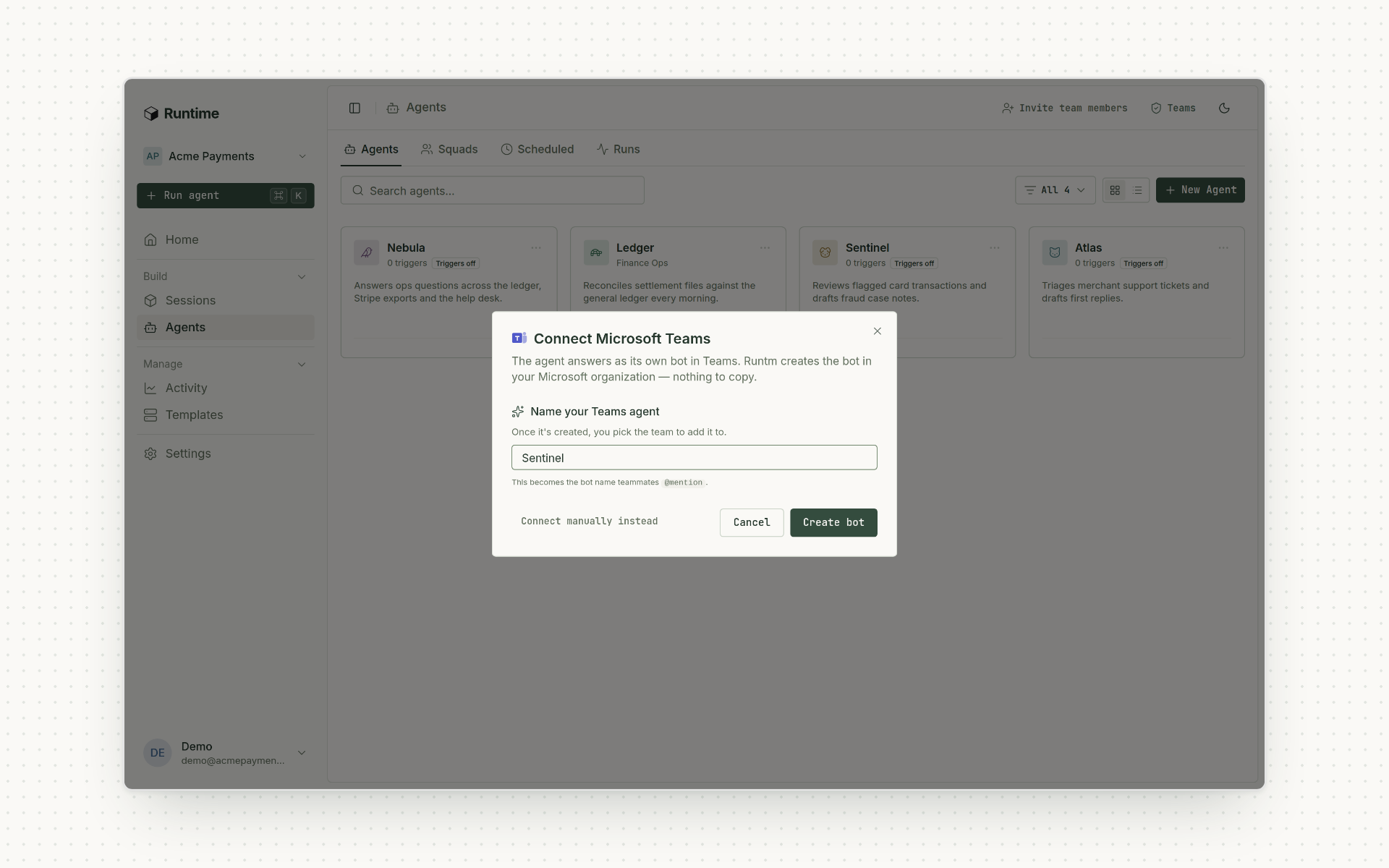
Give each agent its own Teams bot. Teammates @mention it in a channel or DM it. It works in the thread and asks for approval in the conversation before it acts. Since October 9, Runtime creates the bot in your Microsoft organization for you. Learn more.
Microsoft 365, scoped to the role
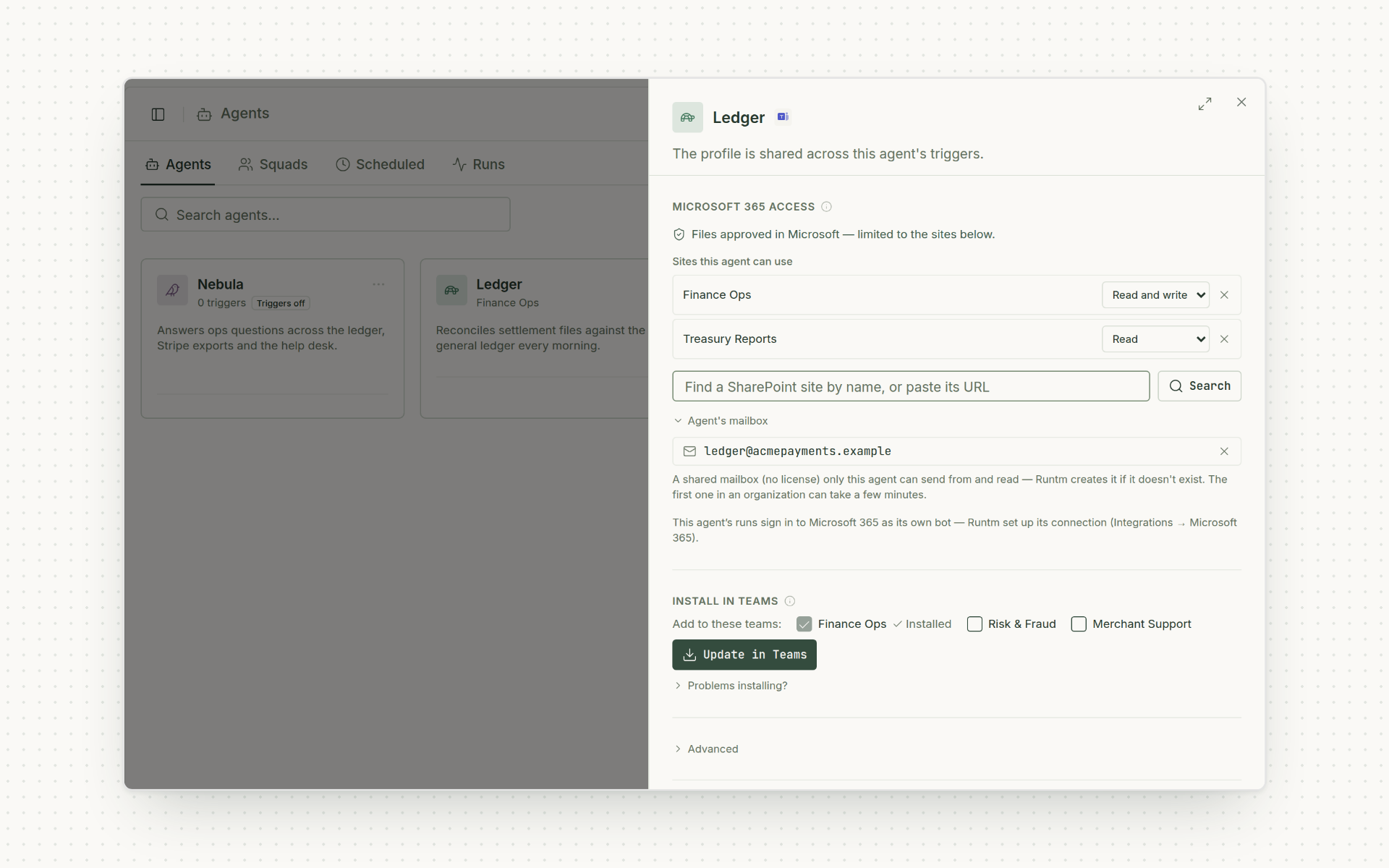
The Microsoft 365 connector reaches mail and calendar, Excel, SharePoint, OneDrive, OneNote and To Do. Limit an agent to the SharePoint sites it needs, or give it a shared mailbox of its own. An admin enables Teams, completes Microsoft consent and decides what each agent can reach. Learn more.
A calmer place to run your agents
The dashboard has a new look, and the next step is always one shortcut away.
A new Runtime dashboard
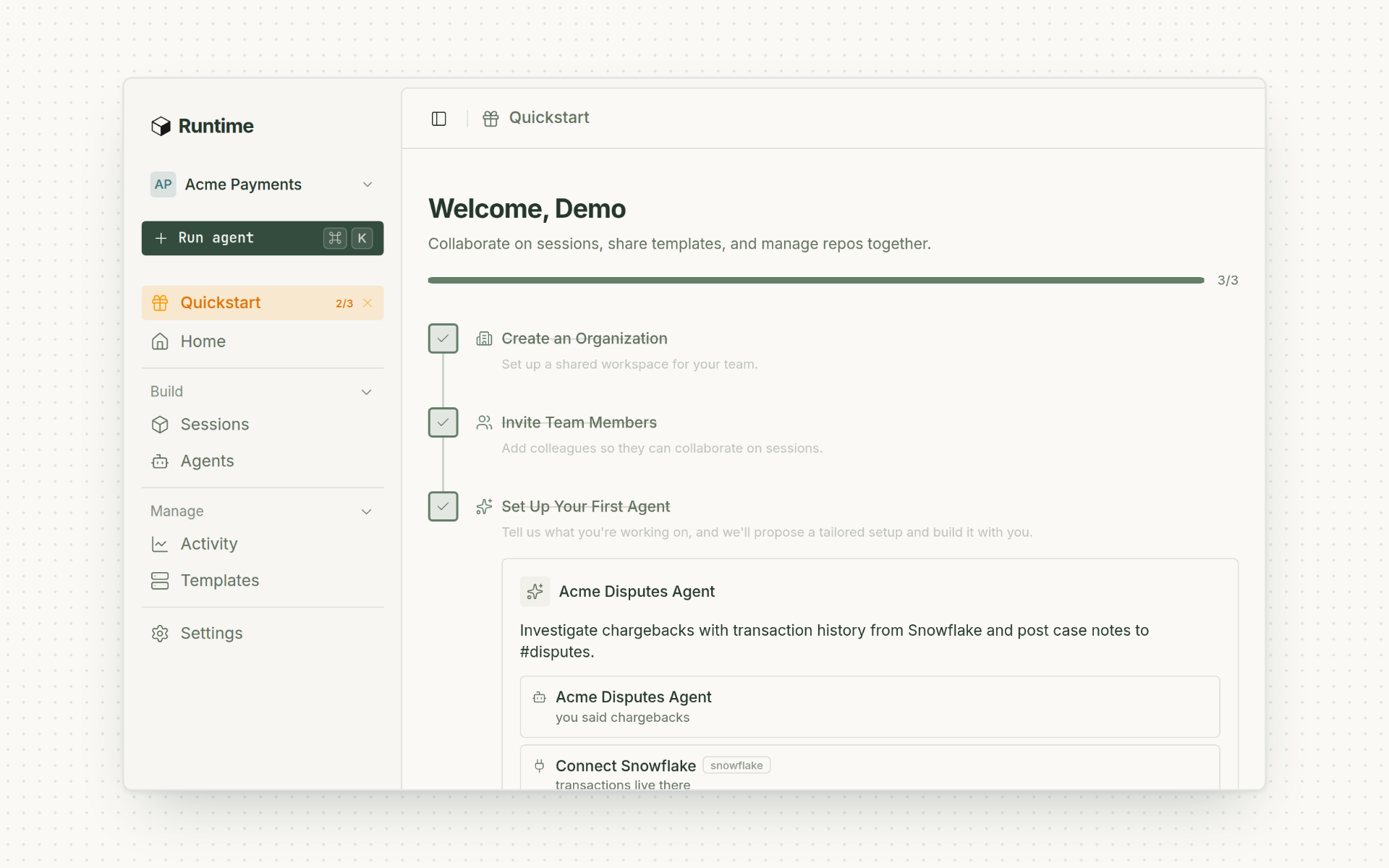
A redesigned workspace in light and dark mode, with clearer navigation for sessions, agents and settings. It's on for everyone, with nothing to turn on. Learn more.
Ask Runtime, from any page
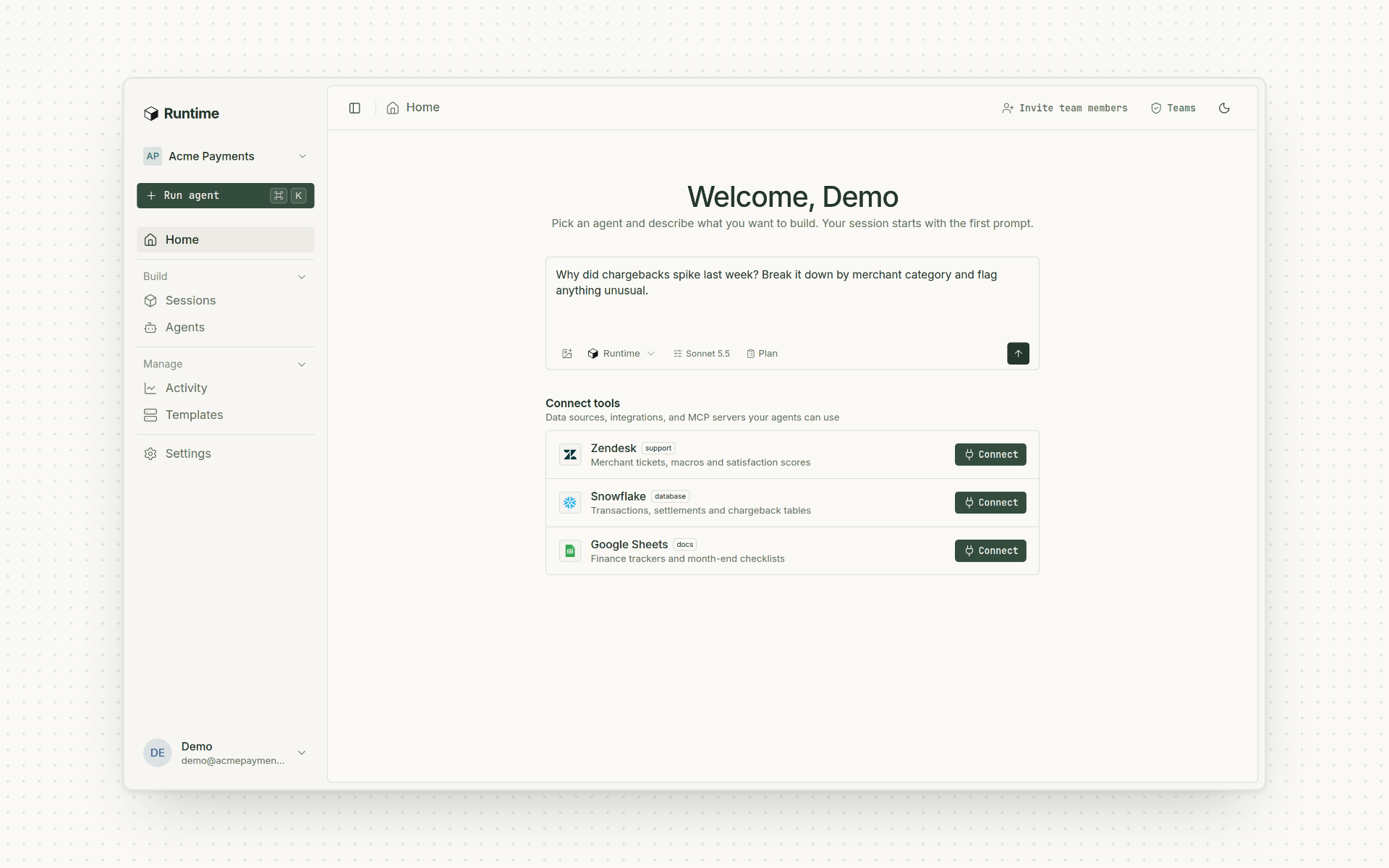
Press ⌘K or Ctrl K on any signed-in page to ask about the platform, set something up or hand work to one of your agents. Learn more.
That's all for October. Smaller improvements are in the release notes. Not on Runtime yet? Book a demo.